More than 125,000 retailers use Clover’s small business retail POS system today to run their businesses.
The retail POS system that does more for your store ‑ however you sell
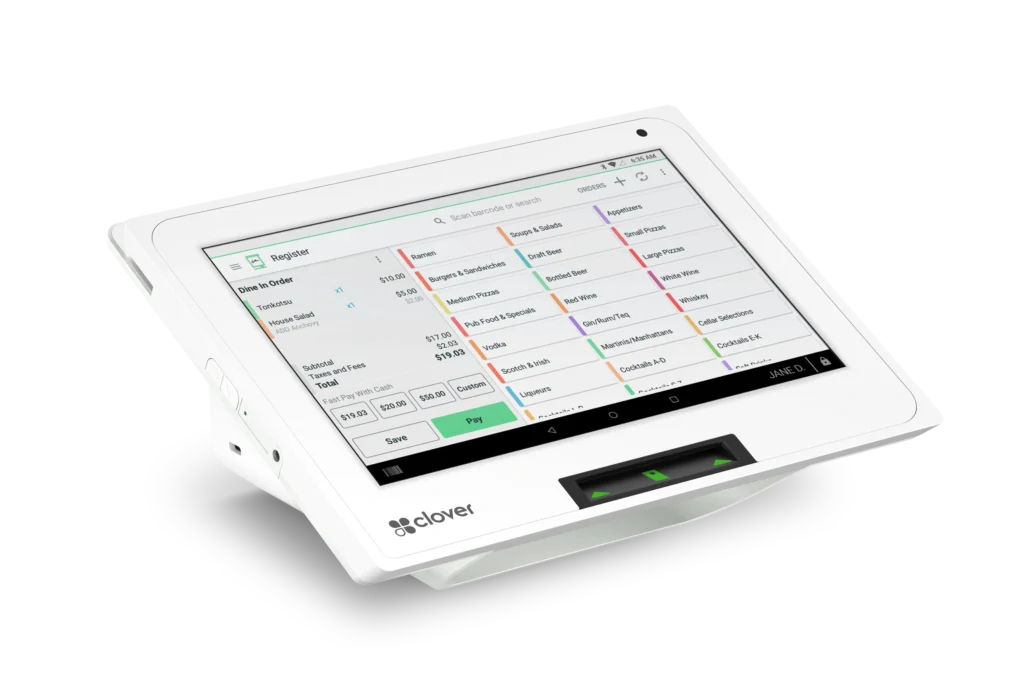
Manage your inventory
- Know your SKUs
Keep track of products with variants, their attributes and all unique combinations like “medium, red, cotton.”
- Stay in Stock
Get notified when your inventory is running low with the POS system for retail stores. Or scan items with a barcode scanner and instantly add to or update your inventory.
- Know your SKUs
Manage inventory expenses with reports that give you insights on item sales and cost.
Payments and exchanges? Easy.
- Get paid in all types of ways
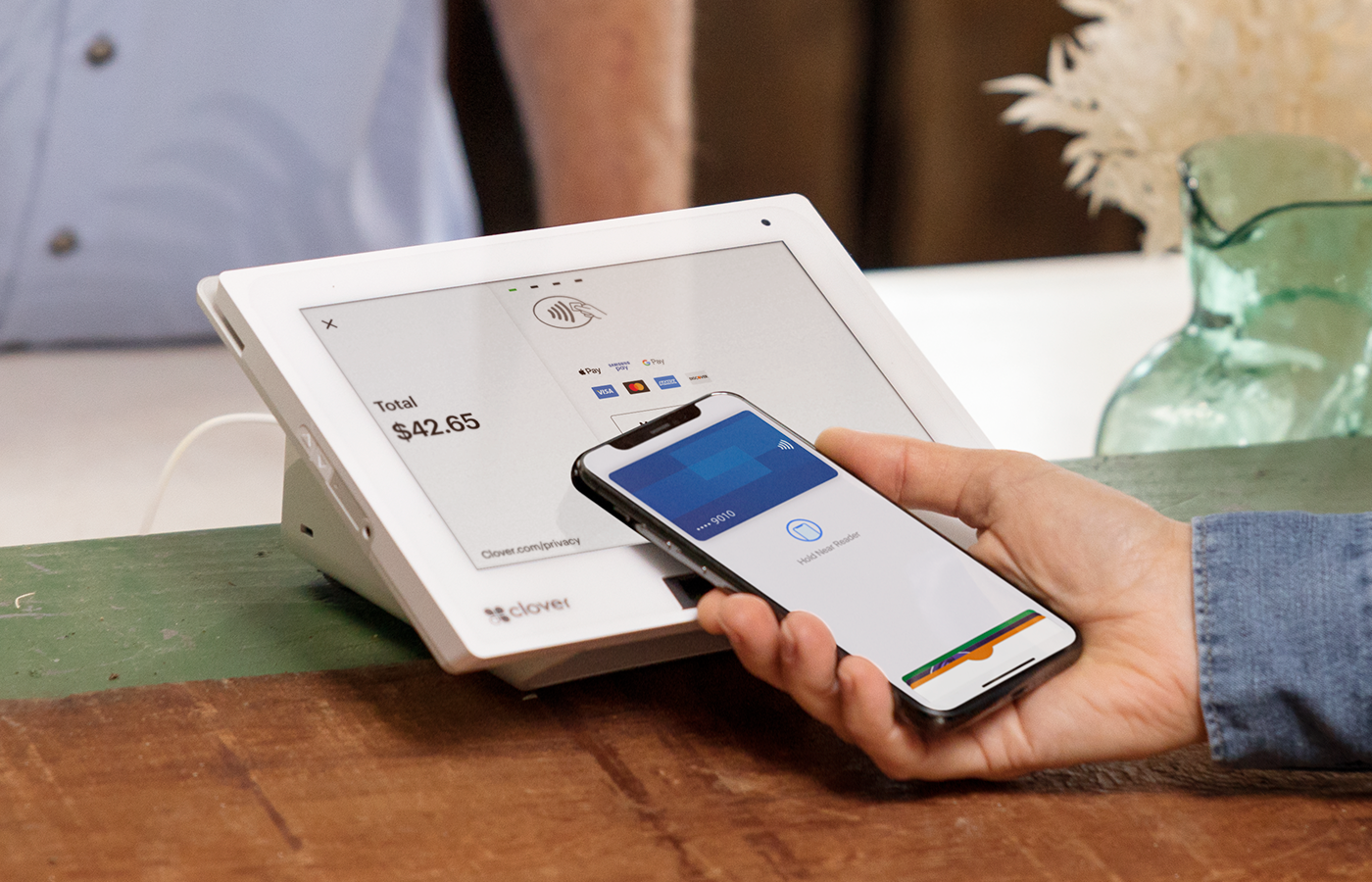
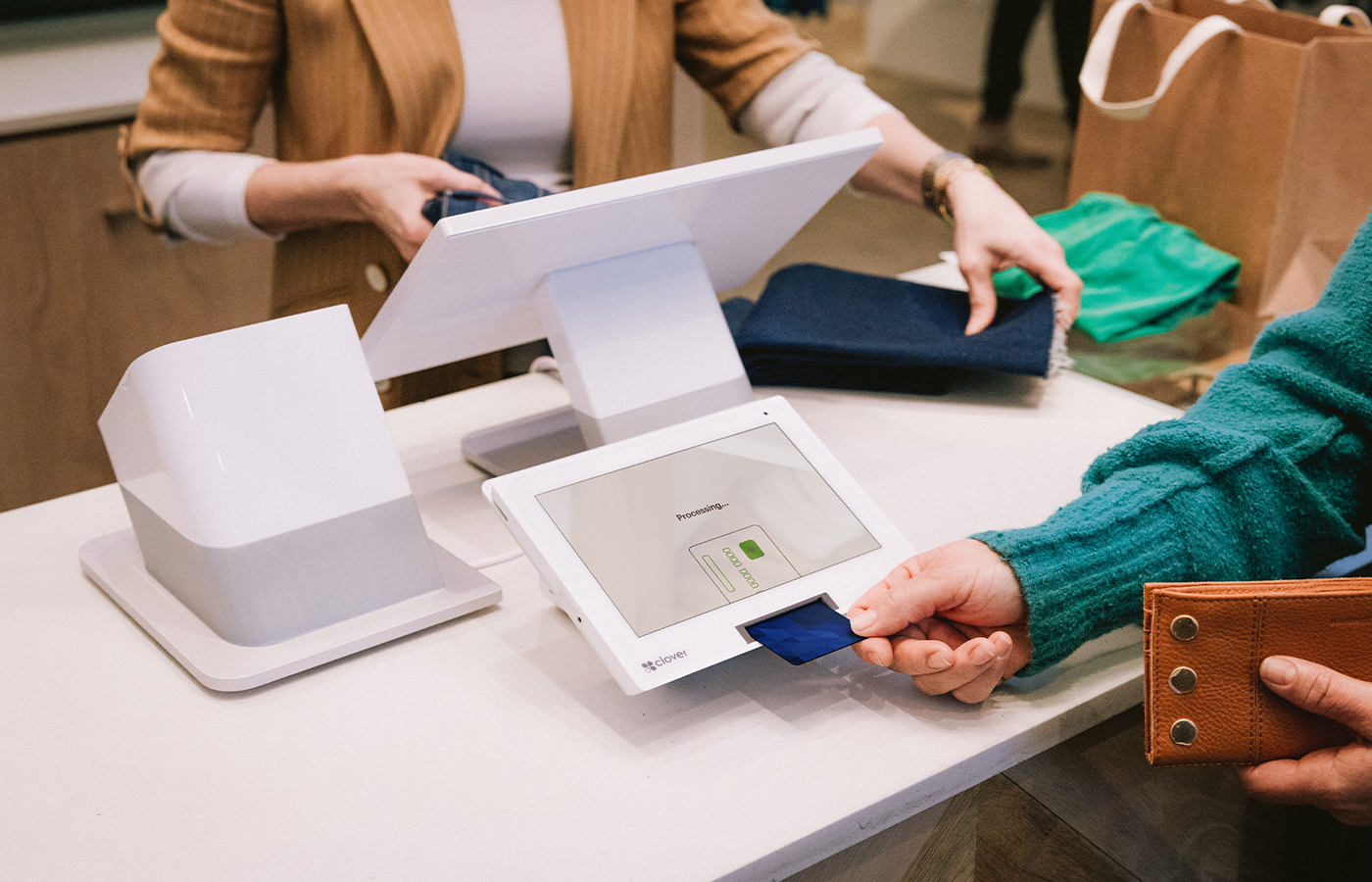
Accept credit, debit, and gift cards, as well as NFC and mobile payments. You can also set up automatic tax rates to be applied to all your sales.
- No WiFi, no problem
Accept payments even when you’re offline and process them later when WiFi is back.
- Rapid returns
Your Clover system processes refunds fast, even orders with multiple payments.
Start selling online
- Stand up an online store for your business
Leverage our integration with BigCommerce to quickly launch your shop and manage your inventory from one dashboard, with one payment processor.
- Sell on Google
Get your inventory found by shoppers on Google with Pointy.
- Mind your business
Sync sales, inventory, and customer data across brick-and-mortar and online stores with our app partner SKU IQ
Build your own POS system
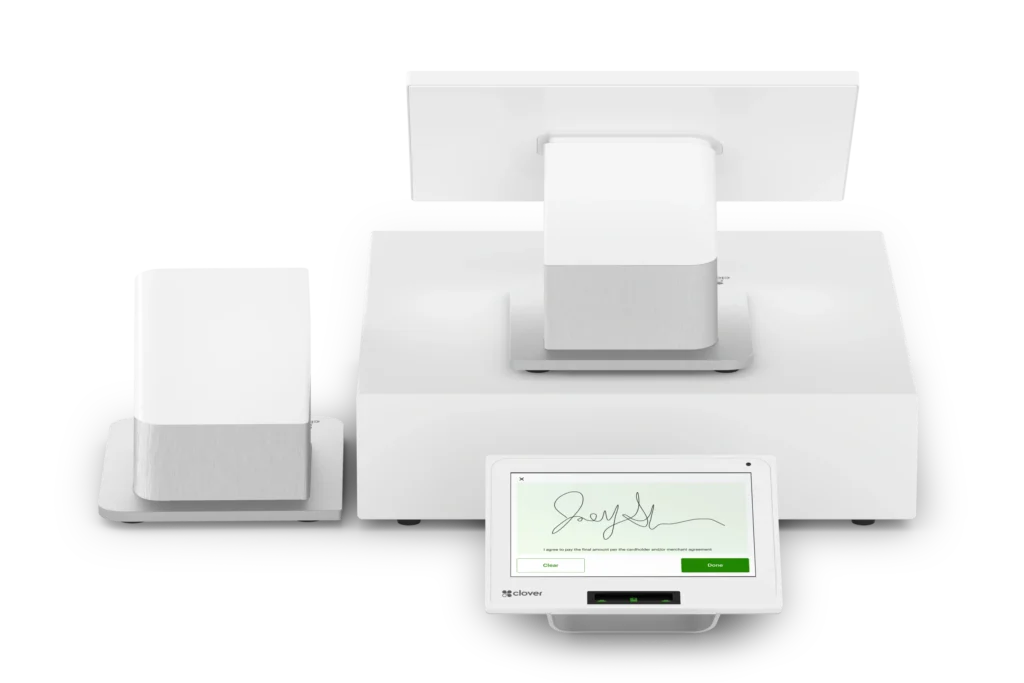
Choose your plan, devices, and accessories with just a few steps.
Choose from three great system options
Compare payment options for subscription or purchase.
MINI
$60/mo for 36 months
or $799+ $14.95/mo
DUO
$135/mo for 36 months
or $1,799+ $49.95/mo
CLOVER FLEX
$185/mo for 36 months
or $2,398+ $64.90/mo
System highlights
Transaction Fees
Orders
- Item and category management
- Stock-tracking by item
- Itemized order creation
- Item or order-level discounts
- Item variants
- Itemized returns and exchanges
- Scale integration for orders by weight
- Build a new online store
Online Sales
- Single dashboard for online and offline sales
- Integrate with existing online store
Payments
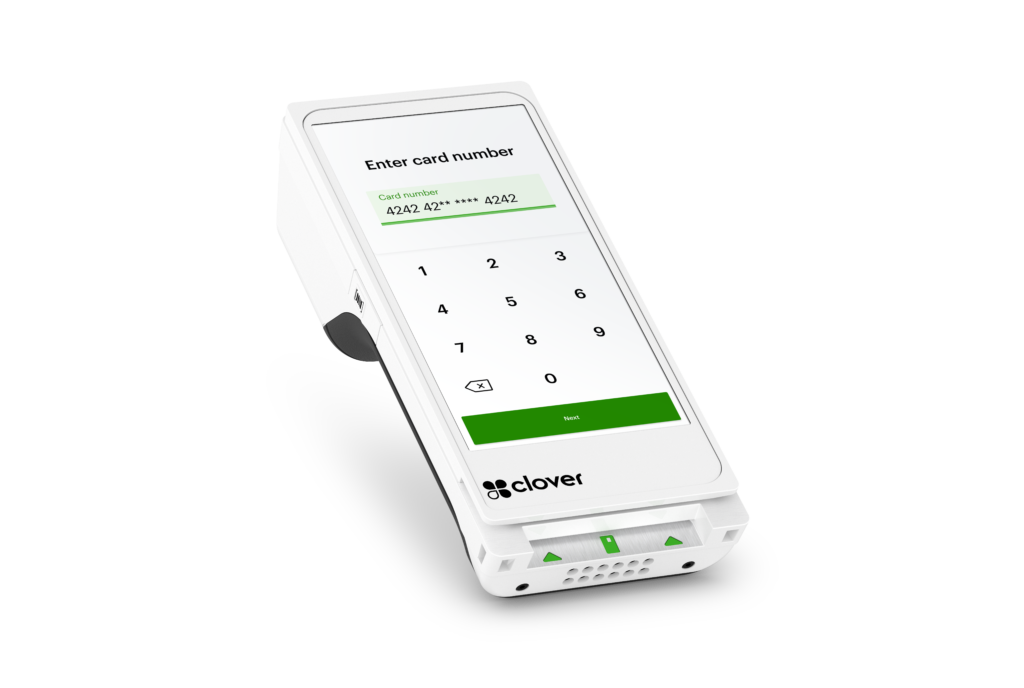
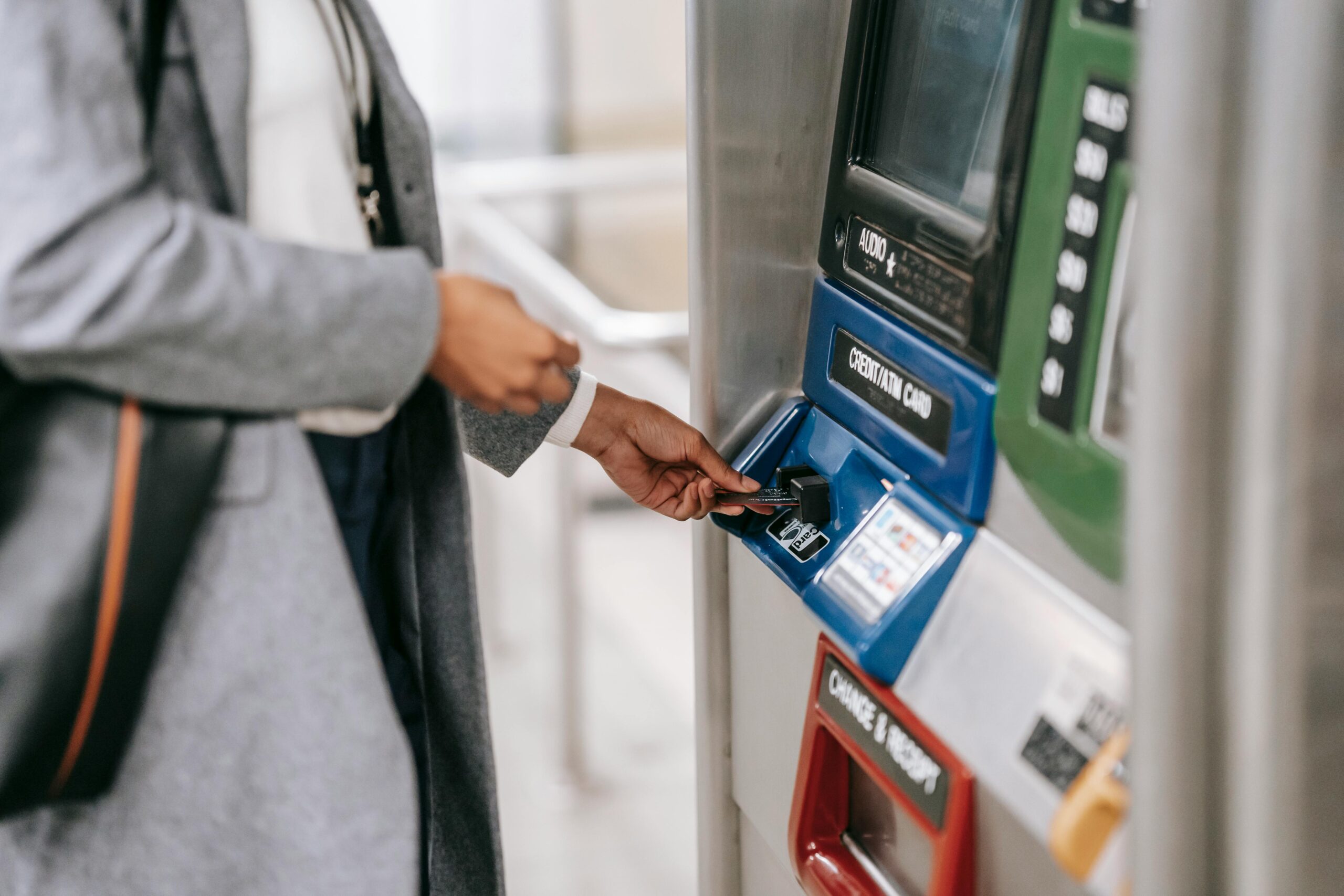
- Swipe, dip, or tap cards
- Mobile wallets (like Apple Pay, Google Pay)
- PayPal and Venmo
- Cash or check
- Invoice or recurring schedule
- Keyed-in payments (on device or Clover app)
Customer
- Customer database
- Promotions
- Loyalty program
- Private feedback
- Clover gift cards (physical or digital)
Employees
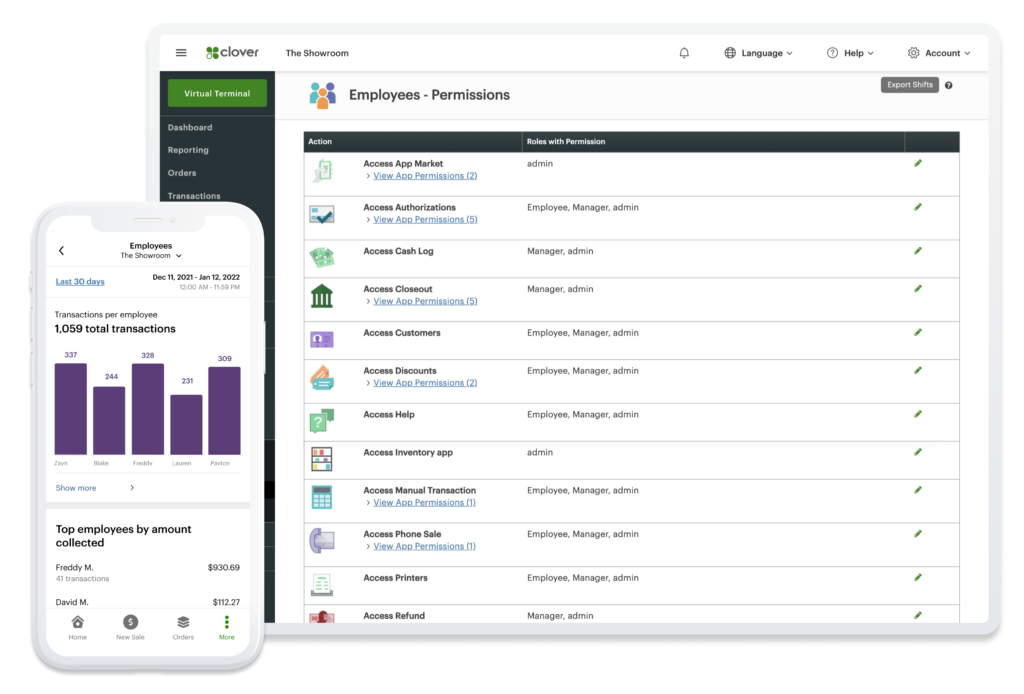
- Individual logins and permissions
- Shift management
Operations
- Payroll integrations
- Cost tracking by item
Cash Flow Services
- Rapid Deposit: Get funds within minutes of a credit card sale
- Clover Capital: Get a cash advance on future credit card sales
Available accessories
- Rapid Deposit: Get funds within minutes of a credit card sale
Let’s talk shop
Knowledge is power with sales data and competitive trends
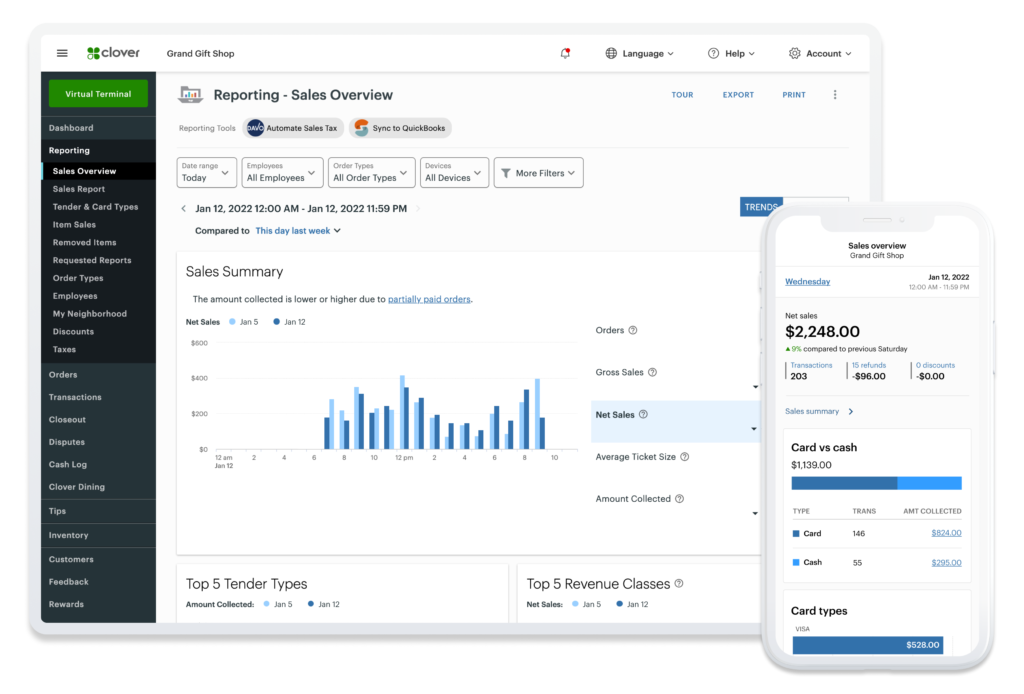
- Track sales in real time — by period, order type, SKU number and employee
- Compare your sales performance with competitors
Manage employees more easily
- Keep the day-to-day on track with roles and permissions, hours and clock-in times
- Add apps for payroll, hiring, etc. to help you do even more
Get the help you need, when you need it
- We’re happy to support you on everything from consultation to installation - to make your day to day that much better.
- Finding you the perfect POS system for your business is our goal. It’s just what you need, and we’re here for it.
- Questions? Call, chat or email. We’re available 24/7/365 for troubleshooting and support.
Built‑in tools to give your business a boost
Control cash flow and get your money in minutes
- Cut the lag time of traditional settlement funding and get access to your sales transactions quickly for just a 1.5% fee.
- Transfer up to $10,000 of eligible sales deposits per request – no limits on the number of requests per day.
- Link your debit card and enroll in minutes on your Clover Dashboard or any of your Clover devices.
Get access to working capital to help make improvements, expand, and adapt
- Get funded from your future credit card sales with Clover Capital. No fixed term or payment amount.
- Pay at the pace of your sales. A percentage of your Mastercard and Visa transactions is deducted daily.
- Access funds with confidence. Our systems are supported by one of the world’s largest financial institutions.
Your business, your way, with clover
Resource to be in the know
Choosing the right POS
Credit card processing
PCI compliance
Upgrading to a POS system
Peace of mind with your system
FREE OVERNIGHT SHIPPING*
Once you’re approved, your system will arrive in one business day. *Online orders only.
QUICK AND EASY SET UP
Set up your business and start taking payments all in the same day with the Clover Dashboard.
CONSISTENT RATES
All cards, including AMEX and rewards cards, feature the same low rates.
HELP WHEN YOU NEED IT
Ready to assist you with everything from setting up to troubleshooting.

Frequently Asked Questions
POS stands for “point of sale” in retail. It refers to the physical or digital location where a customer completes a transaction. Clover’s retail POS system includes hardware, such as cash registers, barcode scanners, and receipt printers, along with software to process sales, manage inventory, and record transactions.
A POS system is an important tool for retailers, enabling them to accept payments, track inventory levels, and engage with customers. Clover’s retail POS systems offer additional features such as analytics, employee management, and integration with other business tools to further enhance the user experience.
Clover’s retail POS system features are designed to enhance your retail operations:
Inventory management: Track and manage stock levels, automate reordering, and receive real-time inventory alerts.
Sales reporting: Access detailed sales analytics and reports to make data-driven decisions.
Customer engagement: Create and manage customer profiles, run loyalty programs, and gather valuable customer insights.
Payment processing: Accept various payment methods, including contactless payments and mobile wallets.
Employee management: Track employee hours, performance, and access controls for increased security.
Customization: Customize the system to fit your retail needs, including item descriptions, prices, and tax settings.
Integration: Integrate with third-party apps and services for expanded functionality.
These features empower retailers to optimize their processes, enhance customer experiences, and drive business growth while using Clover’s retail POS system.
Clover’s inventory management software empowers you to maintain accurate stock levels, prevent overstocking, and make informed decisions about your inventory needs.
Real-time updates: Get instant updates on stock levels as items are sold or received.
Automated reordering: Set up reorder points to ensure you never run out of popular items.
Item variants: Manage variations of the same product, such as by size or color, within a single inventory item.
Barcode scanning: Streamline inventory counts and item lookup using barcode scanners.
Alerts: Receive alerts when stock levels are low, helping you restock efficiently.
Sales analytics: Access sales reports to identify best-selling items and optimize inventory.
Yes. Clover’s POS system integration capabilities make it easier than ever to sync with your existing systems. Whether you need to integrate with accounting software, eCommerce platforms, or other business tools, Clover’s open platform facilitates seamless connections, even with third-party apps and services.
This integration capability ensures that you can leverage your current systems while enhancing your retail operations with Clover’s robust features, such as inventory management, sales reporting, and customer engagement tools, for a more streamlined and efficient business operation.
Clover’s retail POS can simplify your sales reporting process with the following features:
Real-time data: Access up-to-the-minute sales data, providing instant insights into your business performance.
Detailed reports: Generate a comprehensive sales report on trends, transaction history, and item-level details.
Customization: Tailor reports to your specific needs, adjusting date ranges, filters, and parameters.
Export options: Export reports for further analysis or integration with other systems.
Analytics: Leverage visual analytics tools to identify best-selling items, peak sales times, and customer preferences.
Historical data: Store historical sales data for a deeper understanding of your business over time.
Clover’s POS sales report capabilities empower you to make informed decisions and drive measurable growth for your retail business.
Clover’s POS system is versatile and suitable for a wide range of retail businesses, including but not limited to:
Retail stores: Whether you run a boutique, bookstore, or jewelry store, Clover can cater to your sales and inventory needs.
Service businesses: Salons, spas, and service-based businesses benefit from selling hair care, skincare, and other retail products.
Grocery and convenience stores: Manage inventory and checkout processes efficiently in these settings.
Online retail: Clover integrates with eCommerce platforms for seamless online retail operations.
Pop-up shops and events: Portable Clover devices are ideal for temporary setups and events.
Clover is a widely adopted point-of-sale solution with a large and diverse user base. While specific numbers may always be evolving, more than a hundred thousand retailers across different industries and scales currently trust Clover for their POS needs.
Clover’s retail POS employee management tools make managing your team easier than ever before:
Staff permissions: Assign specific roles and access levels to control what each employee can do within your system.
Time tracking: Record employee work hours, manage shifts, and calculate payroll with ease.
Sales performance: Monitor individual sales performance to identify top-performing employees.
Tips and commissions: Manage tips and commissions for staff in sales or service-based businesses.
Security: Secure access to sensitive information and maintain data integrity.
User-friendly interface: Make it simple for employees to use Clover’s system, reducing training time.
These features empower you to effectively manage your employees and enhance overall operational efficiency in your retail business.
Clover Customer Support offers comprehensive support and assistance for retail businesses using our POS systems:
Phone support: You can reach Clover’s customer support team by phone for immediate assistance with technical issues or inquiries.
Online resources: Clover provides a comprehensive online knowledge base, FAQs, and tutorials to help you troubleshoot and find solutions independently.
Clover’s commitment to customer support ensures that you have the resources and assistance you need to maximize the potential of your retail POS system 24/7/365.
Yes. There are numerous Clover customer reviews available for our retail POS system. You can find reviews on various platforms, including our website, third-party review websites, and social media channels.