Clover Station Duo: a fast, dual‑screen POS
Form and function by design
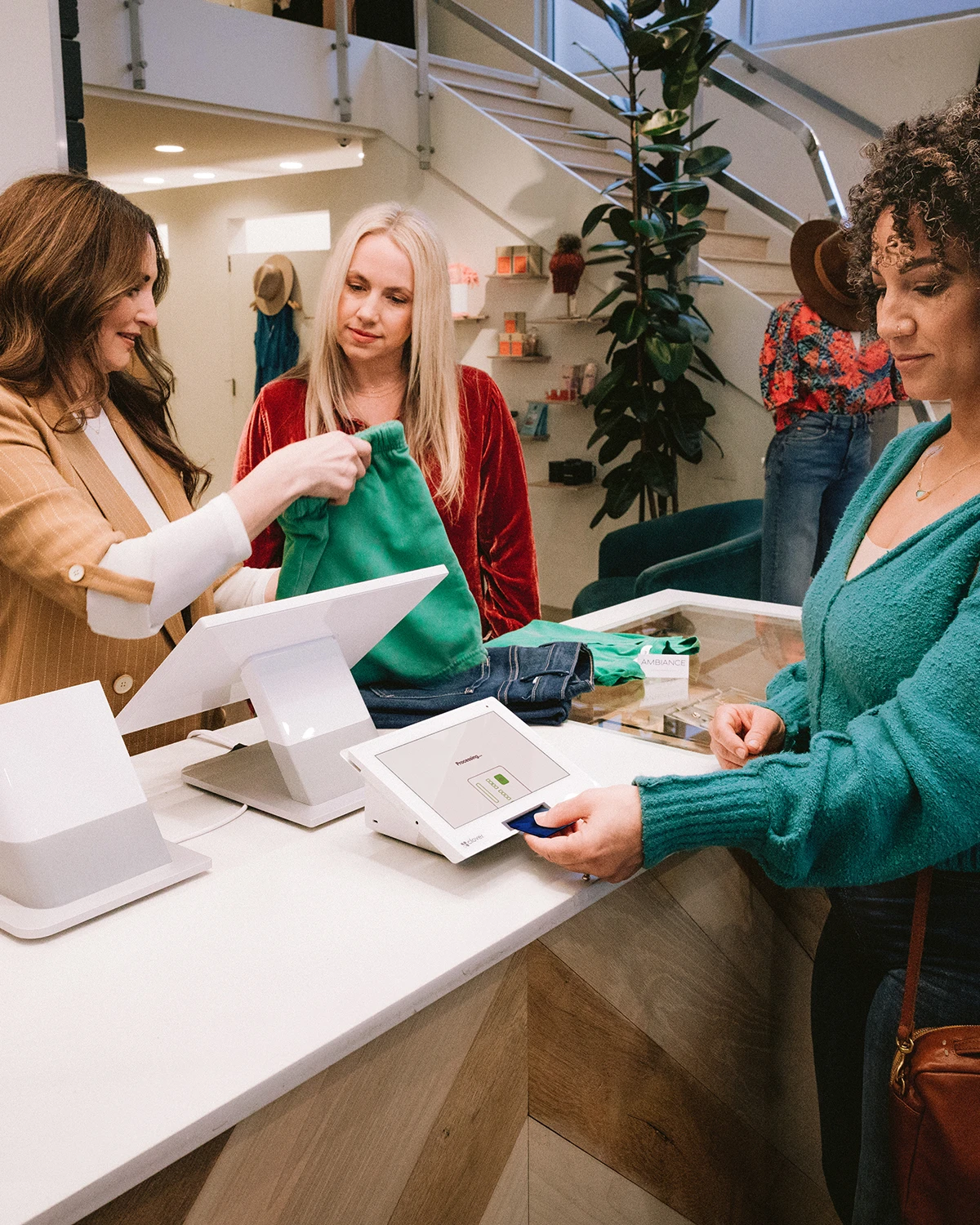
- Two screens are faster than one
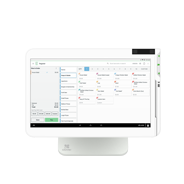
- Beauty and brains all-in-one POS
- It’s totally expandable
Created for simplicity, speed, and security
- Easy to use and ready to go
- Accept every type of payment
- We’ve got your back
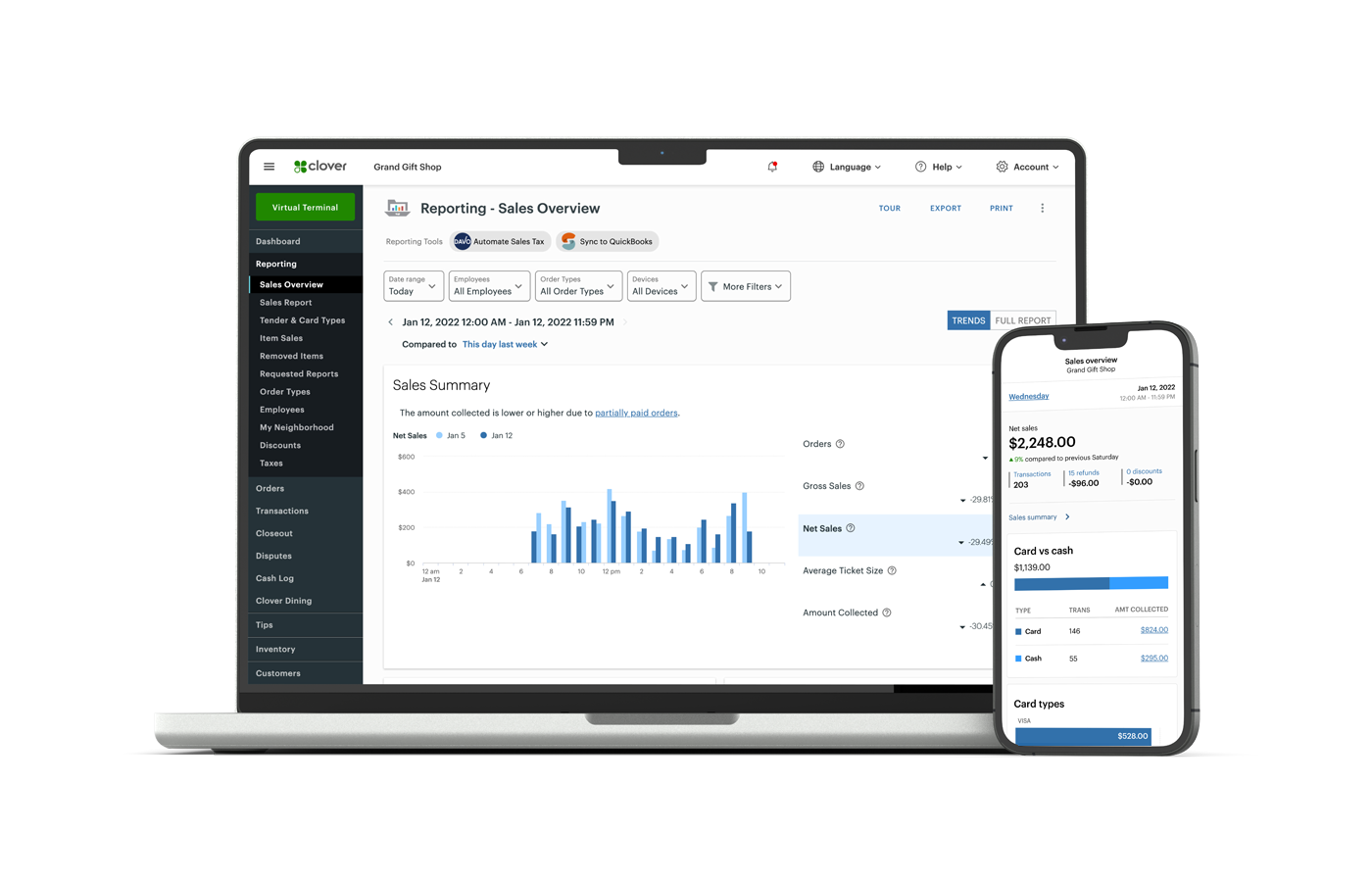
Manage your business from anywhere
- Track, report, repeat
- Help your team to succeed
- More ways to get paid
Build better relationships with customer loyalty
- Get to know your customers
- Reward customer loyalty
- Promotions with purpose
Product details
COLE CARSON
Find the right features to pair with your Station Duo
RETAIL GROWTH
$185/mo for 36 months
or $1,899+ $84.95/mo
- Flat fees as low as 2.3% + 10¢ per transaction
- Manual Card entry 3.5% + 10¢ per transaction 10¢ per transaction
- Detailed sales reports, tax reporting, and cost tracking
- Create variations of menu items and add customization options
RESTAURANT GROWTH
$185/mo for 36 months
or $1,899+ $89.95/mo
- Flat fees as low as 2.3% + 10¢ per transaction
- Manual Card entry 3.5% + 20¢ per transaction
- Detailed sales reports, tax reporting, and cost tracking
- Create variations of menu items and add customization options
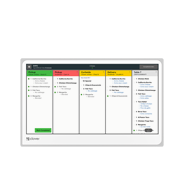
- Online ordering and QR code ordering
- Track stock and mark items as sold out
Build your own POS system
Peace of mind with your system
FREE OVERNIGHT SHIPPING*
Once you’re approved, your system will arrive in one business day. *Online orders only.
QUICK AND EASY SET UP
Set up your business and start taking payments all in the same day with the Clover Dashboard.
CONSISTENT RATES
All cards, including AMEX and rewards cards, feature the same low rates.
HELP WHEN YOU NEED IT
Ready to assist you with everything from setting up to troubleshooting.

Frequently Asked Questions
Our agents are available to assist you when you’re unable to resolve issues on your own. There are a few ways to reach live support:
- From a browser, log in to your Clover account and select Help from the top menu to access a range of support options.
- On a Clover device, tap Help on the home screen.
- In the Clover Go mobile app, open the menu and tap Help.
- Find your direct support phone number on your statement or call our general support line at: (844) 864-5449
For your security, we’ll ask for your Merchant ID (MID) or Tax Identification Number (TIN), so please have that information handy.
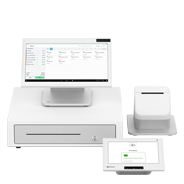
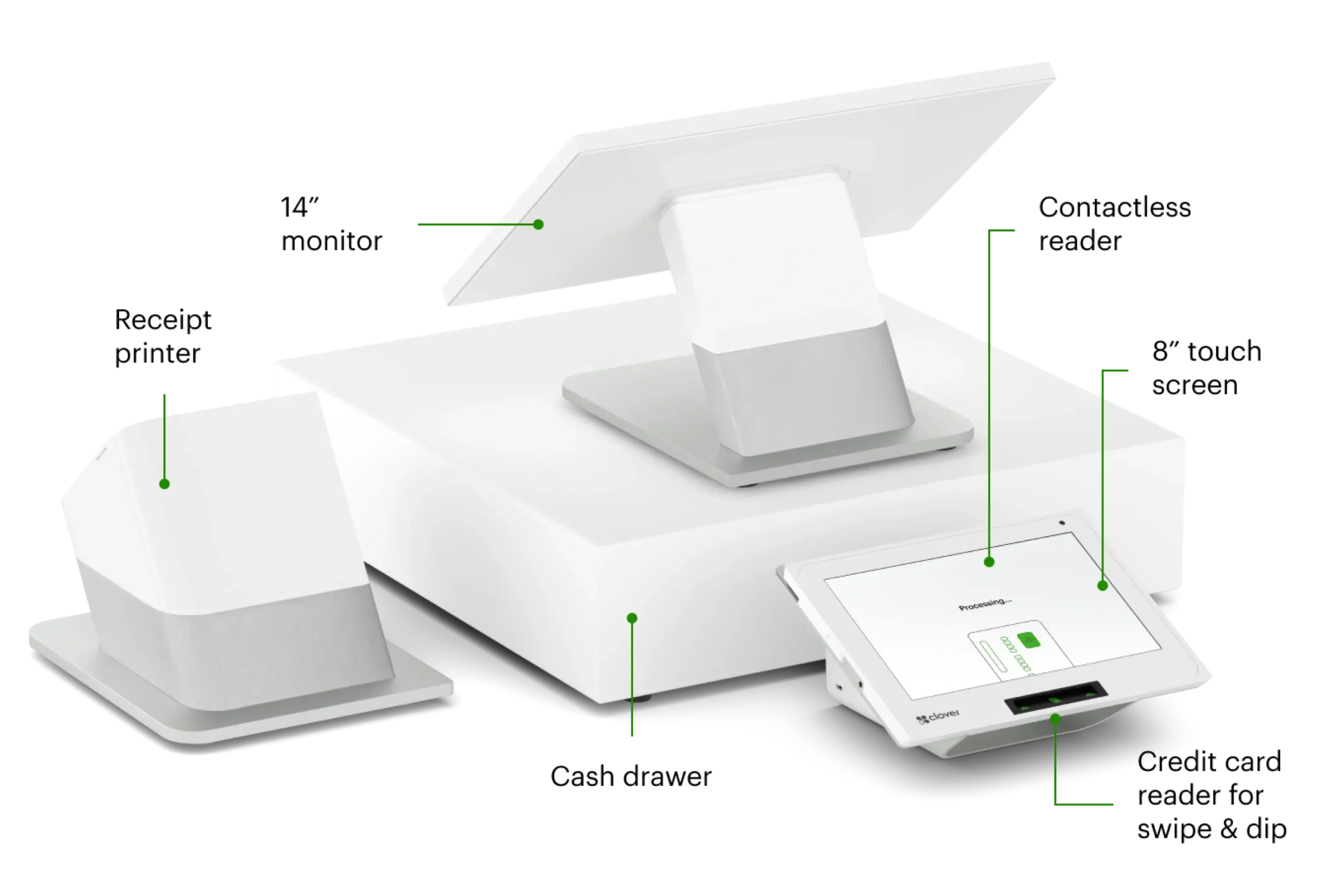
All Station models come with a matching cash drawer that has 5 bill slots and 5 coin slots. When connected to the Station with the provided interface cable, the drawer automatically opens when you perform a cash transaction. Each Station also comes with a receipt printer to position next to the display. An optional external printer, like a kitchen printer, can additionally be connected to the Station. Learn more about external printers on our accessories page.
Yes The Clover Flex seamlessly syncs with other Clover POS devices when configured as part of one system to help ensure all transaction information is shared across devices in real-time. Whether you accept a payment on the Clover Flex handheld POS system or on another POS device at the counter, the data is immediately updated across the entire Clover system, providing a unified and efficient point-of-sale experience.
All Station models are compatible with external printers. You can purchase a kitchen printer online at our Shop with a new Clover POS. Check out our accessories page to see the external printers Clover offers. If you already have a Clover POS you can purchase a printer from our sales team.
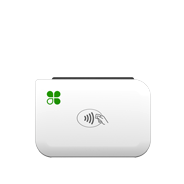
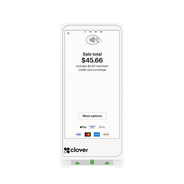
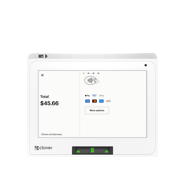
The Station Duo is the same for retail and service businesses, as well as counter-service restaurants. It comes with a customer-facing display on the front of the receipt printer. Customers standing in front of a counter can see their order information on this display. The printer also has a contactless payment reader built into the receipt printer so customers can conveniently pay by mobile wallet at the counter. The only difference is the software and apps you will set up and use to run your specific type of business.